Watch it work, step by step.
Short videos and written steps for every part of Invoreg — from connecting your accounting software to three-level approvals.
 1:03
Getting started — create an organisation and connect your accounting software
Create a client organisation, connect your accounting software, and add a mailbox. Five minutes end to end.
 0:56
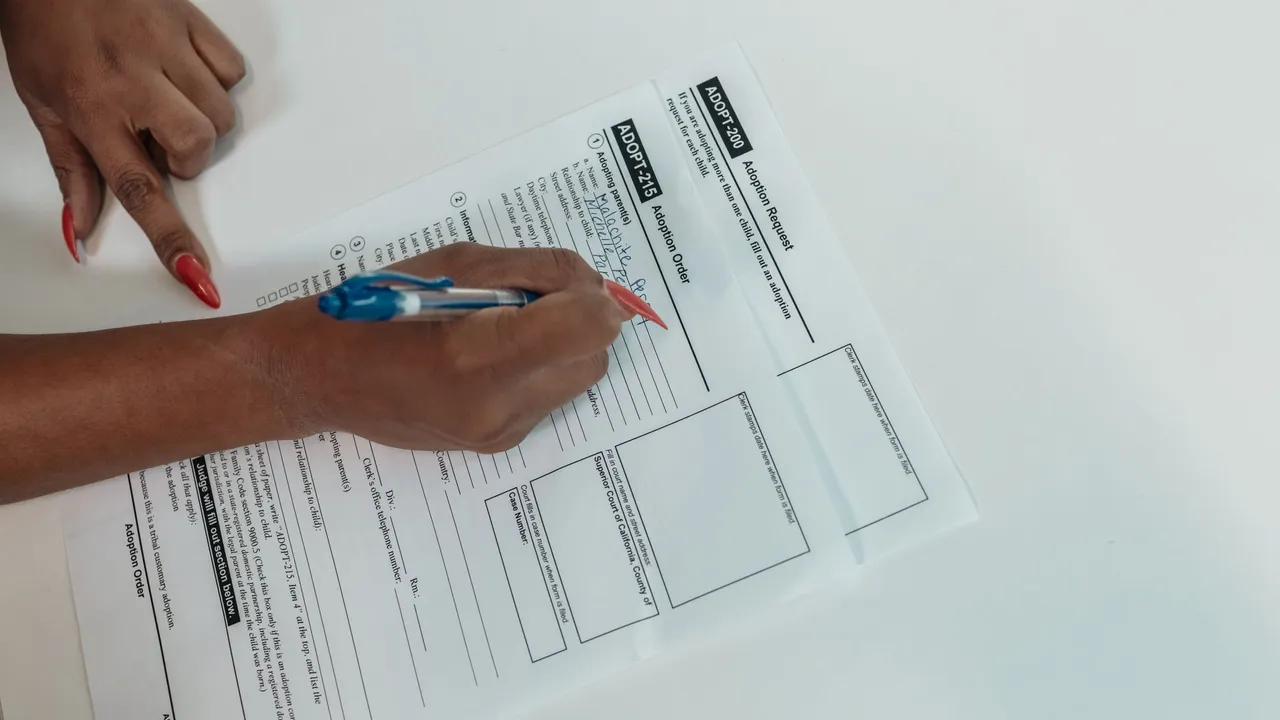
Reading and registering your first invoice
What the AI fills in, what it flags, and what to check before you click Register.
 0:46
Setting up one, two or three approval levels
Turn on purchase approvals per organisation and control who can register.
 0:47
Duplicates, filters and search
Find anything across every client — by date, status, vendor, amount, label or document number.
 0:44
Working as a team — comments, tagging and permissions
Tag a colleague on a document, follow the thread in My comments, and set what each role can see.
 0:54
Mailbox intake and multi-page PDFs
Give each company a mailbox, let suppliers keep emailing it, and watch a 13-page PDF of separate invoices arrive as thirteen documents.
 1:09
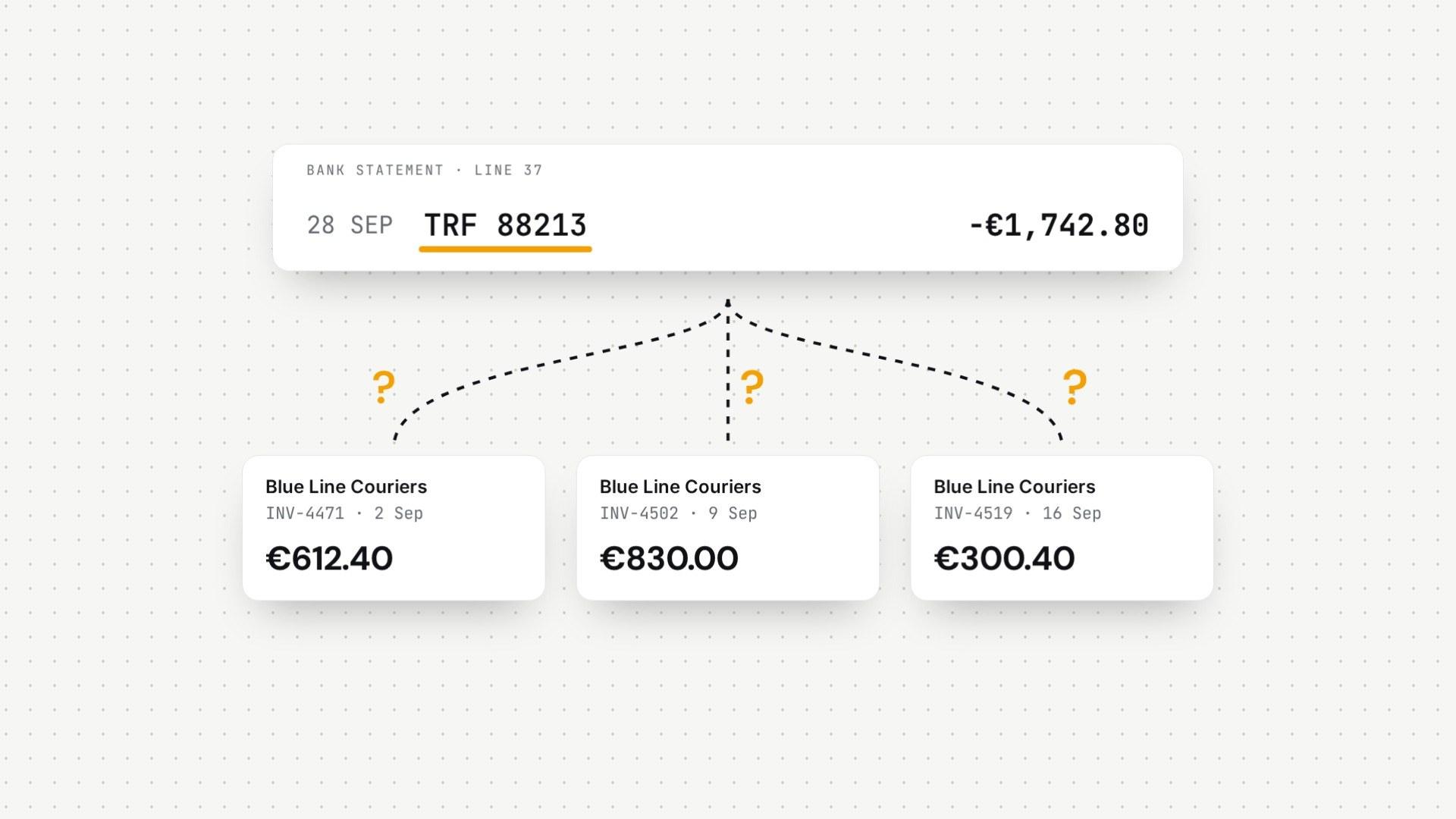
Bank reconciliation, done by AI
Upload a bank statement, even a PDF or a scan, and watch Invoreg AI match each payment to the invoices it settles.